I’ve watched AI chatbots transform from clunky novelties into essential daily tools. By 2025, they’re everywhere, answering emails, drafting reports, even comforting lonely hearts. The numbers speak for themselves: the conversational AI market surged to $2.42 billion in 2024 and is racing toward $6.52 billion by 2031, fueled by a 14.7% annual growth rate. What’s driving this boom? Simple: dependence. Take ChatGPT alone, it now handles 3 billion messages daily across 700 million weekly active users.
Why such loyalty? These bots deliver real-world benefits: 24/7 productivity boosts, lightning-fast customer support, and emotional connections once thought impossible. Businesses save millions; individuals reclaim hours. As chatbots grow smarter and more personalized, they’re no longer just tools, they’re partners. In this guide, I’ll cut through the noise to spotlight 2025’s best free AI chatbots for general tasks, business, work, and roleplay so you can work smarter, not harder.
People Also Read:
- [100% Free] 9 Best AI Humanizer Free Tools in 2025
- [Don’t Miss] 8 Best Free AI Writers Online in 2025
- Best AI Image Generators in 2025 [Free and Paid]
- 8 Best Free AI Headshot Generators for Business in 2025
- 8 Best AI Rewriters Free to Use – Make Your Text More Real
Best AI Chatbot for General Use
Now that we’ve seen how AI chatbots are reshaping our digital lives, let me guide you through the top free options perfect for everyday use. These versatile tools handle everything from quick questions to complex brainstorming. Here are my top three picks for 2025.
#1. ChatGPT: Best for Multifaceted Tasks
I’ve used ChatGPT almost daily since its launch, and it’s still my go-to for juggling multiple tasks. Developed by OpenAI, this AI assistant runs on powerful models like GPT-5, helping millions write emails, debug code, or even plan vacations. What keeps it on top? Blazing-fast responses and knowledge pulled from vast, up-to-date sources no wonder it dominates the market with nearly 70% user preference over competitors. My only gripe is the pricing: while a limited free version exists, unlocking its full potential requires a $20/month Plus subscription that adds up over time.
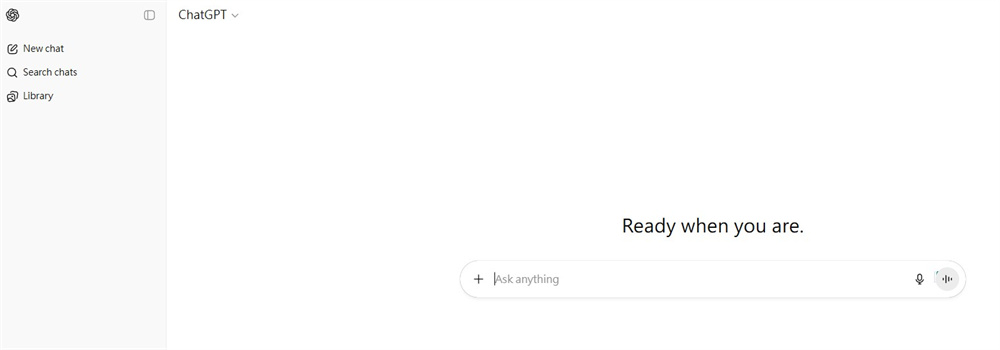
Features of ChatGPT
- Multimodal Conversations: Chat by typing or speaking naturally with real-time voice
- Web-Connected Intelligence: Gets live answers with source links for fact-checking
- Visual Analysis: Upload images or documents for instant summaries or data extraction
- Coding Companion: Write, edit, and debug code directly in its macOS app
- Creative Studio: Generate images from text prompts or co-write stories in collaborative canvases
- Task Automation: Delegate web research, scheduling, or data analysis to its AI agent
- Personalization Hub: Build custom GPTs for niche hobbies or work projects
- Learning Accelerator: Explain complex topics, test knowledge, or translate languages
- Enterprise Tools (Paid): Secure team workspaces with admin controls and internal data connectors
Whether you’re a student, developer, or busy professional, ChatGPT adapts to your needs, though I recommend trying the free tier before committing to paid plans.
#2. Grok (xAI) : Best for Deep Think
I’ve turned to Grok whenever I need raw, unfiltered insights, especially about trending topics. Developed by Elon Musk’s xAI, this truth-seeking AI dives deeper than most. What sets it apart? Direct integration with X (formerly Twitter), letting it analyze real-time conversations and emerging trends with scary accuracy. While responses can take 10–15 seconds (slower than ChatGPT), Grok’s willingness to tackle spicy or nuanced topics makes it worth the wait. Best of all? Unlike many rivals, Grok remains completely free, no subscriptions needed.
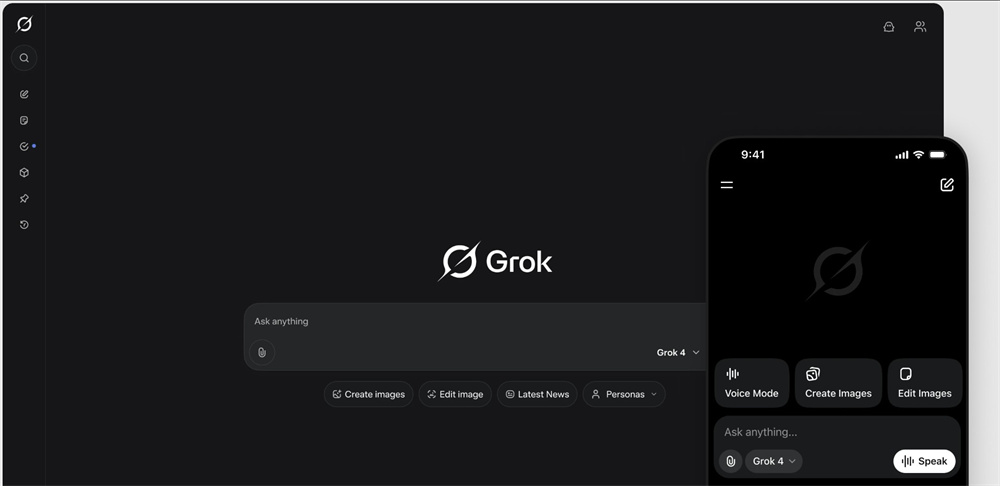
Features of Grok
- X Platform Integration: Analyzes trends, posts, and conversations directly from Twitter/X
- Real-Time Search: Pulls live information instead of relying solely on training data
- Unfiltered Truth-Seeking: Addresses controversial or complex questions head-on
- Image Generation: Creates visuals from text prompts within conversations
- Consumer Apps: Access via web (Grok.com), iOS, or Android with consistent updates
- Trend Analysis Engine: Explains viral topics with context from social discourse
- Developer API: Build custom tools using Grok-4 models (free API access)
- Mobile Optimization: Smooth voice/chat experience on phones for on-the-go deep dives
For thinkers, debaters, or anyone tired of sanitized AI answers, Grok feels like a breath of fresh air just pack patience for its deliberate processing speed.
#3. DeepSeek: Best for Open Source
I keep DeepSeek bookmarked as my secret weapon for complex coding and research, especially because it’s 100% free with no paywalls. This rising Chinese AI star, founded just in 2023, offers powerful open-source models like DeepSeek-R1 that rival GPT-4. What hooked me? It’s razor-sharp reasoning skills and ability to digest massive 128K-token documents (think entire books!). But a heads-up: while it handles English well, its training data leans heavily Chinese. I’ve noticed occasional gaps in Western pop culture or nuanced English phrasing. For global users, cross-check facts yet for coding or academic tasks, it’s shockingly capable.
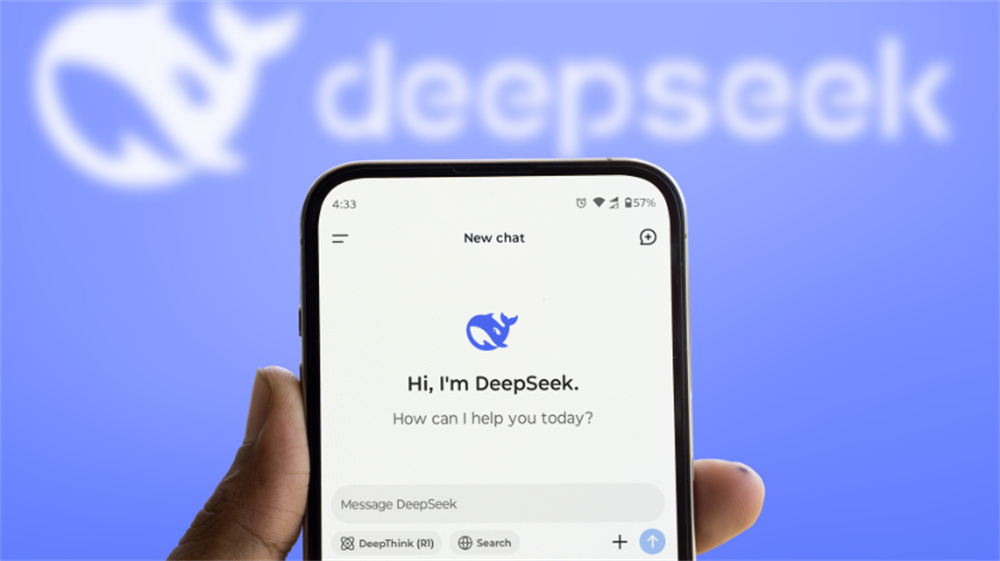
Features of DeepSeek
- Full Open-Source Access: Download models like DeepSeek-Coder-V2 or R1 free from GitHub
- Coding Superpower: Debug, explain, or generate complex code in 30+ languages
- Long-Context Mastery: Process 300+ pages of text in one go for deep analysis
- Multilingual Strength: Fluent in Chinese/English; solid in Japanese/Korean/German
- Free API & Tools: Affordable API rates ($0.14/million tokens) + free web/mobile apps
- Research-Grade LLMs: MoE architecture cuts compute costs while boosting accuracy
- Document Intelligence: Upload PDFs/Word/Excel for summarization or Q&A
- Math & Logic Focus: Excels at proofs, data reasoning, and technical explanations
- Self-Host Friendly: Run locally for private, secure AI deployment
- Mobile Optimization: Smooth app experience for coding on the go
For developers, students, or frugal innovators, DeepSeek delivers elite AI firepower without the bill just pair it with English-centric tools for balance.
Best AI Chatbot for Business
While general-purpose bots excel at everyday tasks, business needs demand specialized tools. Having tested dozens in real workflows, I’ll break down the top free AI assistants that truly boost efficiency, starting with the undisputed king of office productivity.
#1. Coplilot: Best for Microsoft Office
I deploy Copilot daily across Word, Excel, and Outlook. It’s like having an AI coworker embedded in my workflow. Microsoft’s powerhouse integrates seamlessly with Office 365, turning tedious tasks into one-click operations. The free version already covers 90% of business needs: I draft client emails in seconds, auto-generate PowerPoints from meeting notes, and even build pivot tables by chatting with Excel. Desktop/web/mobile apps stay perfectly synced, letting me pick projects from any device. Just brace for occasional 15-20 second delays when handling massive datasets, a small trade-off for zero-cost access to such deep Office integration.
Features of Copilot
- Live Office Integration: Edits Word docs, analyzes Excel sheets, and drafts Outlook emails in real time
- Smart Document Processing: Summarizes PDFs/emails and extracts action items instantly
- Data Visualization Engine: Transforms raw numbers into charts/graphs via natural commands
- Multilingual Rewriting: Refines tone for professionalism or localization across 40+ languages
- Meeting Assistant: Generates agendas, transcripts, and follow-up emails from Teams calls
- Template Library: One-click business plans, budgets, or marketing proposals
- Cross-Platform Sync: Start on desktop, continue on mobile without losing context
- Industry-Specific Prompts: Pre-built workflows for finance, healthcare, and retail
- Security Compliance: Enterprise-grade data protection for sensitive business info
- Custom Agent Builder: Create task-specific AI helpers for recurring workflows
For teams drowning in Microsoft tools, Copilot cuts busywork by hours though power users should test its limits before relying on complex automations.
#2. Breeze: Best for Customer Support
I’ve seen Breeze turn chaotic support queues into smooth operations. It’s HubSpot’s secret weapon for overwhelmed service teams. Unlike generic chatbots, Breeze taps into your CRM data to resolve tickets with context: it knows a customer’s purchase history, past complaints, and even their sentiment tone. During my tests, it cut response times by 70% for common queries like returns or billing. But brace for sticker shock: unlocking its full power requires HubSpot Professional/Enterprise plans (starting ~$800/month). For solopreneurs, that’s prohibitive; for scaling teams, it’s a game-changer.
Features of Breeze
- CRM-Powered Responses: Pulls order history, notes, and preferences to personalize replies
- 24/7 Multilingual Support: Handles English, Spanish, French, and 12+ languages fluently
- Auto-Ticket Routing: Escalates complex issues to human agents with full context
- Knowledge Base Builder: Turns support chats into help articles instantly (beta)
- Sentiment Shield: Detects frustration in messages and triggers calming protocols
- Live Chat Handoff: Seamlessly transfers chats to agents without repeating info
- Form Shortening: Auto-fills known customer data to boost conversion rates
- Proactive Support: Alerts customers about shipping delays or outages preemptively
- Call Transcription: Converts support calls into searchable notes with action items
- HubSpot Ecosystem Sync: Works across Marketing/Sales/Service Hubs on one dashboard
For companies drowning in support tickets, Breeze is worth every penny but only if you’re already invested in HubSpot’s ecosystem.
#3. Gemini: Best for Productivity
I lean on Gemini when juggling deadlines. Its deep integration with Gmail, Calendar, and Drive makes it my productivity anchor. Google’s flagship AI handles spreadsheet formulas, meeting summaries, and travel planning with scary efficiency. During a recent project, I cross-referenced flight prices in my inbox while drafting a budget report from Drive files, all in one chat. The $19.99/month Gemini Advanced tier sweetens the deal with 2TB Google One storage and priority access. But avoid it for creative tasks: its image generation feels robotic, and research lacks Perplexity’s depth. For pure workflow acceleration, though, nothing beats having Google’s brain in your sidebar.
Features of Gemini
- Google Workspace Sync: Live edits in Docs/Sheets/Slides via chat commands
- Smart Email Assistant: Drafts replies, prioritizes inbox, and tracks key requests
- Data Extraction: Pulls figures from PDFs/Excel for instant reports
- Travel Planner: Books flights, maps routes, and suggests hotels in one flow
- Code Debugger: Fixes Python/Java/C++ errors with explanations
- Voice Control: Sets alarms, plays music, or adjusts smart lights hands-free
- Real-Time Web Search: Answers with sources for fact-checking
- Pixel-Exclusive Tools: Call screening, Recorder summaries, photo enhancements
- Multilingual Processing: Translates docs or chats in 100+ languages
- Enterprise Security: SOC 2 compliance for business data protection
- Free Developer Access: Gemini Pro API via Google AI Studio
Perfect for professionals embedded in Google’s ecosystem, just keep Midjourney handy for visuals.
Best AI Chatbot for Work
Business tools optimize systems, but work demands creativity and precision. As someone who creates daily, I’ll share the AI assistants that truly elevate output starting with my favorite writing copilot.
#1. Claude:Best for Content Creation
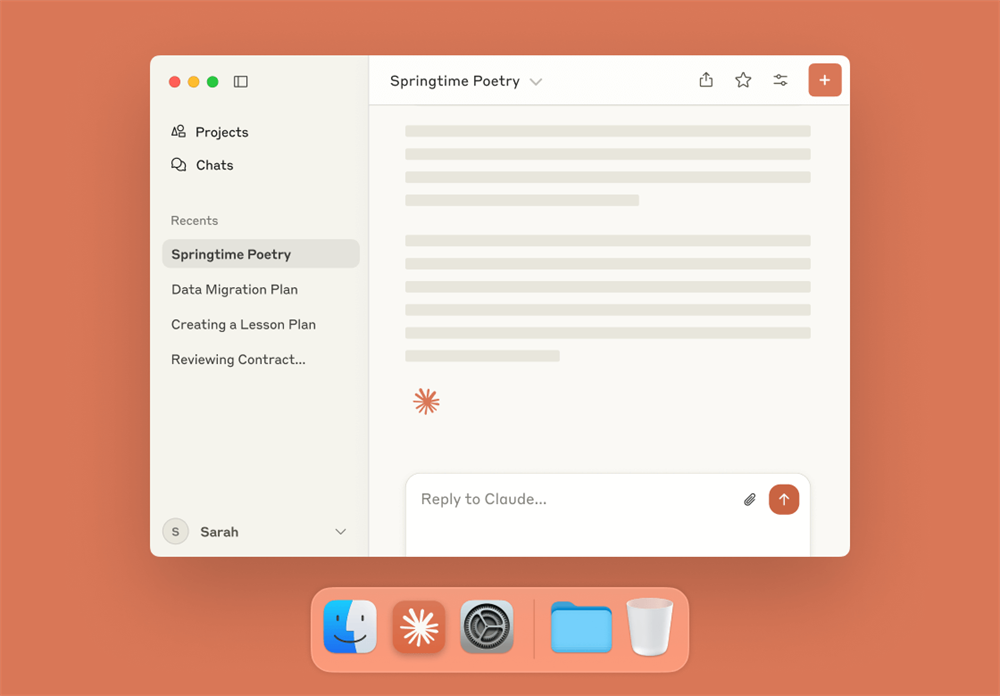
I trust Claude with sensitive documents and creative drafts because it’s the only AI that never trains on your data. Anthropic’s privacy-first assistant handles my most complex tasks: transforming 100-page technical reports into executive summaries, maintaining consistent brand voice across campaigns, or debugging Python scripts mid-article. It’s 200K token context that swallows entire books, letting me refine novels chapter-by-chapter. The free version suffices for most writing, but the $20/month Pro plan unlocks Google Workspace sync and priority access during crunch times. Just know its research lacks Perplexity’s depth, and you’ll need other tools for visuals. Claude focuses purely on making your words shine.
Features of Claude
- Zero-Data Retention: Conversations never train models critical for IP-sensitive work
- Book-Length Memory: Analyzes 150K+ word documents coherently
- Voice-to-Workflow: Speak requests naturally across web/iOS/Android
- Brand Voice Lock: Maintains consistent tone across all content
- Artifact Generator: Turns ideas into prototypes, diagrams, or interactive tools
- Code Whisperer: Explains, debugs, and writes code in 30+ languages
- Research Assistant: Pulls web data with citations (Chicago/APA/MLA)
- Project Workspaces: Organize novels, campaigns, or research in persistent folders
- Google Workspace Sync: Integrates with Gmail, Docs, and Calendar
- Data Visualization: Creates charts from raw spreadsheets
- Enterprise API: Custom integrations with JIRA, Slack, and CRM tools
For authors, journalists, or compliance-heavy industries, Claude delivers brilliance without compromise though visual creators should supplement with other tools.
#2. Stack overflow: Best for Coding
I’ve solved midnight coding crises more times than I count thanks to Stack Overflow‘s massive knowledge base. Unlike AI chatbots, it’s powered by 30+ million developers sharing real-world solutions from debugging Python errors to configuring Kubernetes clusters. The magic? Instant answers with voted solutions showing what actually worked for others. But beware: outdated answers linger (I once wasted hours on a deprecated AngularJS fix), and new users struggle with strict formatting rules. Duplicate questions clutter searches, yet when you strike gold like a concise SQL optimization hack, nothing beats this free, human-proven encyclopedia.

Features of Stack Overflow
- Real-World Code Solutions: 24+ million answered questions across every programming language
- Voted Answer Hierarchy: Top solutions rise to the top based on community verification
- Tag-Based Navigation: Filter problems by language/framework (e.g., #reactjs #python)
- Reputation System: Earn points for helpful answers to unlock moderation privileges
- Company-Specific Teams: Private Q&A hubs for enterprises (paid tiers)
- Code Snippet Sharing: Paste executable examples with syntax highlighting
- Duplicate Safeguards: Auto-suggest existing solutions when asking new questions
- Developer Profiles: Build credibility through solution contributions
- Mobile Accessibility: Full-featured apps for coding emergencies on the go
- Job Board Integration: Tech recruitment directly from activity history
For battle-tested coding fixes, Stack Overflow remains unmatched, just cross-check dates on solutions and master search operators like [python] pandas merge multiple dataframes.
#3. Perplexity: Best for Deep Research
I rely on Perplexity when diving into complex topics, it’s like having a research assistant who never skips citations. This AI answer engine scours the web in real time, delivering sourced summaries faster than I can open 10 browser tabs. During a recent fintech project, it cross-referenced 2025 market trends across 20+ reports in under a minute, highlighting conflicting data with direct links. The free tier handles everyday queries well, but heavy users need the $20/month Pro plan for unlimited “Deep Research” a mode that chains dozens of searches into coherent briefs. Watch for occasional hallucinations, though: last week, it misattributed a quantum computing breakthrough despite citing sources. And while customization is limited, its laser focus on accuracy makes it indispensable.
Features of Perplexity
- Real-Time Web Crawling: Pulls live data from academic journals, news, and forums with timestamps
- Inline Source Citations: Every claim links to origins, click to verify or dive deeper
- Deep Research Mode: Builds multi-page reports with charts, pros/cons, and key debates (Pro feature)
- Collaborative Spaces: Share research threads with teams and tag collaborators
- File Intelligence: Upload PDFs/CSVs for Q&A alongside web data
- Focus Filters: Narrow results to Reddit, academic papers, or YouTube
- Multilingual Analysis: Processes sources in 20+ languages with translation
- Comet Browser: Chromium-based AI browser for in-tab summarization (Max tier)
- Enterprise-Grade Security: SOC 2 compliance and auto-file deletion for sensitive projects
For journalists, academics, or analysts, Perplexity cuts research time by hours just by fact-checking its sources for high-stakes work.
el access.
Conclusion
After a year of living with these AI tools, I can confidently say they’ve transformed how I work, create, and connect. For everyday productivity, Gemini and ChatGPT saved me hours. Gemini’s Google Workspace sync is magic for drafting reports between meetings. When tackling deep research, Perplexity became my go-to for sourcing trends with citations (always double-check the links!). Coding fires still get doused fastest on Stack Overflow its human-voted answers are gold, despite occasional outdated fixes.
These aren’t perfect tools, but they’re partners. Use them wisely and never let AI replace the human spark.












Leave a Reply